How to make a bulk import of screens
In the last update 1.8.2 of Taggify's Digital Signage, developers worked and optimizeed several things and making a bulk import of screens was one of them.
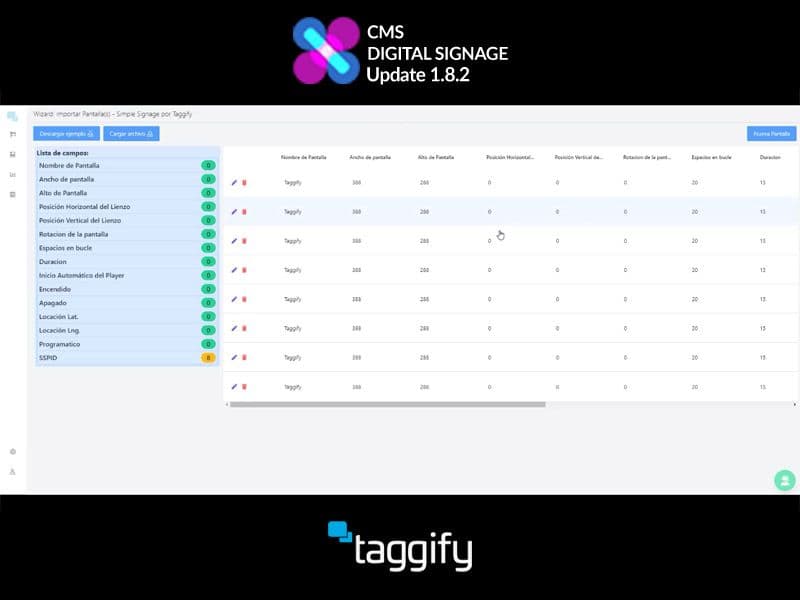
After completing the Excel file with the screens and their data, in the "Administrador de Pantallas" section we will select the "+ Nueva Pantalla" option located in the upper right corner.
Once there, we will select the option "Importar varias pantallas" and in the new page we will give the option "Cargar archivo" to search and upload our Excel file.
Next, we will be able to visualize the list of screens and we will click on the "Nueva Pantalla" button to finish the massive load.
More ideas for programmatic DOOH teams
Continue with practical reads on audience intelligence, inventory strategy and measurable real-world media.
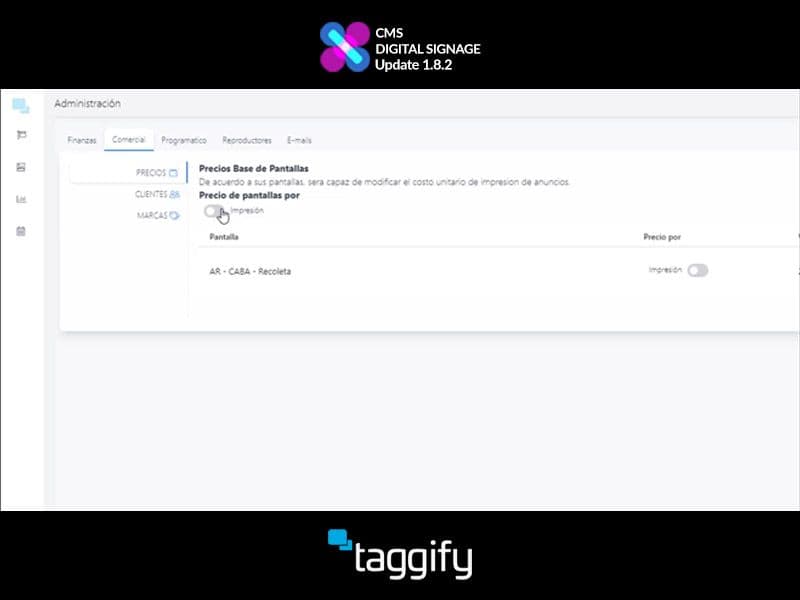
How to trade by impressions or seconds
In the last update 1.8.2 of Taggify's Digital Signage, developers worked and optimizeed several things and trading by impressions or seconds was one of them.
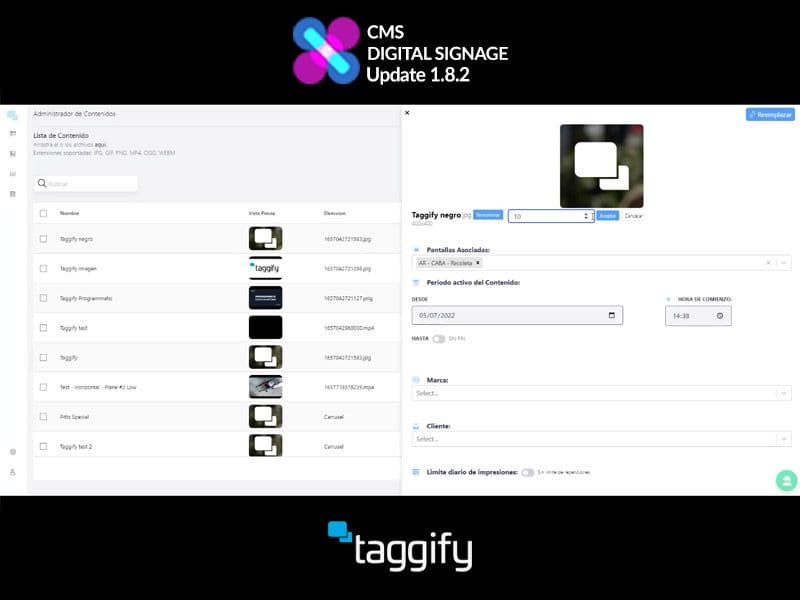
Edit content duration
In the last update 1.8.2 of Taggify's Digital Signage, developers worked and optimizeed several things and editing a content duration was one of them.
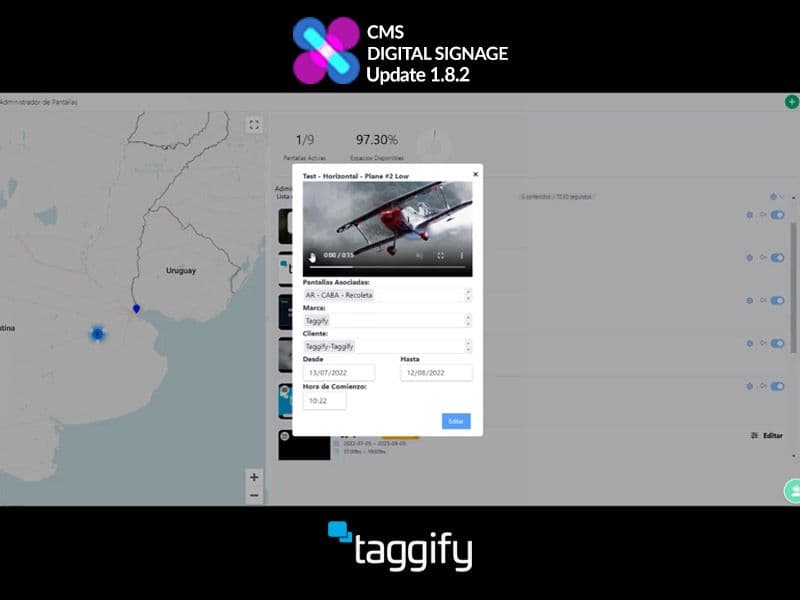
View Contents inside playlist
The developers have worked diligently to improve various aspects of Taggify's Digital Signage, and one area they focused on was enhancing the display of loaded content.